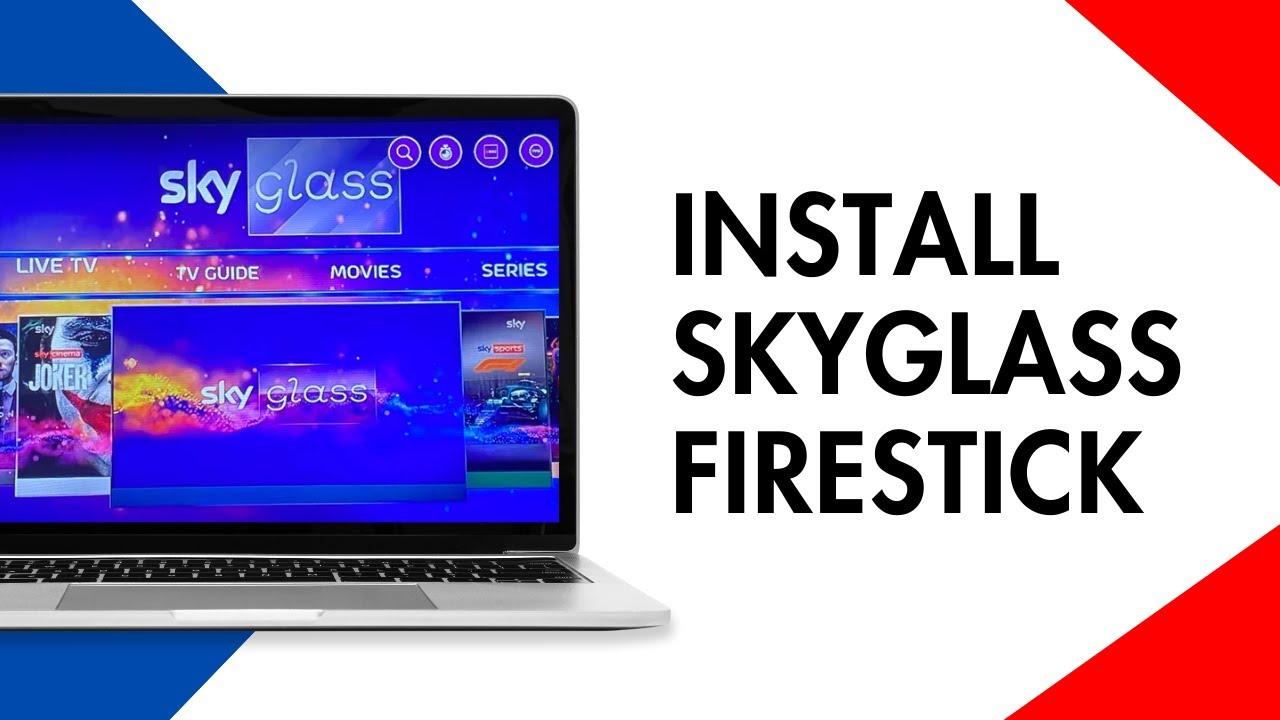
Sky Glass App: Features, Download, Setup, Benefits, and How to Use It
The Sky Glass app is a popular search term among people who want to enjoy a more convenient television experience using their smartphones and tablets. Sky Glass brings live television, streaming services, films, sports, and entertainment together through a smart television platform. Its connected mobile applications make the experience more flexible by allowing customers to control their television, watch selected programmes on mobile devices, and manage their entertainment.
When people search for the Sky Glass app, they may be referring to the Sky Remote app or Sky Go. Both applications are connected to Sky’s entertainment ecosystem, but they have different purposes. The Sky Remote app allows users to control compatible Sky Glass and Sky Stream devices through their smartphones, while Sky Go provides access to supported television programmes and entertainment on compatible mobile devices.
What Is the Sky Glass App?
The Sky Glass app is a commonly used for mobile applications that support the Sky Glass television experience. The two main applications people should understand are Sky Remote and Sky Go. Although they are designed for different purposes, both help customers get more from their Sky entertainment subscription and compatible devices.
The Sky Remote app turns a compatible smartphone or tablet into a digital television remote. Instead of searching for a physical controller, users can open the application and access controls for navigating menus, selecting programmes, changing channels, and managing playback. It is particularly useful when the original remote is misplaced or temporarily unavailable. sky glass app is designed for compatible Sky Glass and Sky Stream devices rather than Sky Q equipment.
Sky Go offers a different experience by allowing eligible Sky TV subscribers to watch supported entertainment on compatible mobile devices. Customers can enjoy selected live television, films, sports, and television programmes without always needing to sit in front of their main television. sky glass app also supports a more connected viewing experience, making it easier to move between compatible devices. Therefore, choosing between Sky Remote and Sky Go depends on whether someone wants to control a television or watch content on a smartphone.
Main Features of the Sky Remote App
One of the most useful features of the sky glass app is its smartphone-based remote control. After connecting a compatible mobile device to the same Wi-Fi network as the television, users can access a digital remote interface. This provides an alternative way to operate Sky Glass without depending entirely on the physical controller. It can make everyday television navigation easier, especially when someone regularly uses their phone while watching television.
sky glass app includes familiar navigation controls that allow users to move through menus and select entertainment. The interface provides directional buttons, selection controls, back navigation, and access to the home screen. Playback functions also make it possible to pause, play, rewind, and fast-forward supported content. Depending on the device and software version, additional controls may include number keys, quick settings access, and shortcuts for different television functions.
Accessibility is another important part of the sky glass app. Features such as larger tappable controls, adjustable text sizes, high-contrast options, and screen-reader support can make navigation more comfortable. These improvements are particularly useful for people who prefer larger buttons or clearer text. Regular software updates can also improve application performance and compatibility, helping customers enjoy a smoother experience when controlling their television.
How to Download and Install the Sky Glass App
Downloading the correct sky glass app is the first step towards enjoying Sky’s mobile features. Android users can search for Sky Remote through the Google Play Store, while iPhone and iPad users can find compatible applications through Apple’s App Store. Before installing anything, it is important to check the application identity and developer information to make sure it is the official version.
Android users can open Google Play and search for Sky Remote. After finding the official application published by Sky UK Limited, they can select the installation option and wait for the download to finish. Once installed, the application can be opened from the phone’s home screen or app library. The process is similar on Apple devices, where users can search through the App Store, confirm the publisher, and install the sky glass app on a compatible device.
Customers who want to watch programmes on their smartphones should download Sky Go instead. sky glass app provides access to supported Sky entertainment for eligible subscribers. Once installed, users can sign in using their Sky account details and explore the content available through their subscription. It is important to remember that downloading an application does not automatically provide access to every television channel or programme. Available entertainment depends on the customer’s subscription and viewing permissions.
How to Connect the Sky Remote App to Your Television
Connecting the Sky Remote app to a compatible television is generally straightforward. Before beginning, make sure the Sky Glass television is switched on and connected to your home wireless network. Your smartphone or tablet should also be connected to the same Wi-Fi network. This allows sky glass app to discover the television and communicate with it.
Open the Sky Remote app on your smartphone and allow it to search for compatible devices. When your television appears in the available device list, select it and follow the instructions displayed on the screen. Once the connection has been established, the digital remote interface should become available. You can then use your smartphone to navigate menus, select entertainment, and control supported playback functions.
If the television does not appear, check the wireless connection on both devices. Make sure neither device is connected to a separate guest network that prevents communication with other devices. Closing and reopening the sky glass app can also refresh the connection process. If the problem continues, restarting the television, smartphone, and wireless router may help resolve temporary network difficulties.
Sky Go App for Sky Glass and Sky Stream Customers
Sky Go is an important part of the wider Sky Glass entertainment experience because it allows eligible customers to enjoy television content on compatible mobile devices. Unlike the Sky Remote app, which focuses on television control, Sky Go is designed for watching programmes. This makes it useful for customers who want to enjoy entertainment while travelling, relaxing in another room, or spending time away from home.
The updated Sky Go experience introduced for Sky Glass and Sky Stream customers provides a more connected viewing experience. It includes features designed to make switching between television and mobile devices more convenient. Customers can continue watching supported programmes from where they previously stopped, making it easier to move between screens without losing their place.
Other useful features include access to saved entertainment through My Library, supported Full HD streaming, and improved discovery of live sports and television programmes. Eligible customers can also arrange recordings of supported programmes while away from home so they can watch them later on their compatible Sky television equipment. Sky Go is included with eligible Sky TV subscriptions, although access to particular channels and programmes depends on the customer’s package.
Sky Glass App Compatibility and Device Requirements
Before installing the Sky Glass app, customers should check whether their smartphone or tablet supports sky glass app. Sky Remote is designed for compatible Android and Apple mobile devices. The exact operating system requirements can change as applications receive updates, so checking the latest information in the relevant app store is important. Older smartphones may not support newer versions of the application.
Another important compatibility detail is the television equipment itself. The Sky Remote app is designed for compatible Sky Glass and Sky Stream devices. It is not intended to control Sky Q equipment, so customers using Sky Q should not expect the same connection experience. Understanding the difference between these television platforms can prevent unnecessary installation and troubleshooting problems.
A stable internet connection is also important. The Sky Remote app needs a suitable local network connection to communicate with compatible television equipment. Sky Go requires an internet connection capable of supporting video streaming. Customers who want to enjoy Full HD entertainment should ideally use a reliable broadband or Wi-Fi connection. Network performance can be affected by distance from the router, interference, and the number of devices using the connection at the same time.
Benefits of Using the Sky Glass Mobile Applications
Convenience is one of the biggest advantages of using Sky’s mobile applications. A physical television remote can easily become misplaced, particularly in a busy household. Having a digital alternative on a smartphone means customers can continue navigating their television without searching for the original controller. The application also provides familiar controls in an interface that many smartphone users will find easy to understand.
Flexibility is another major advantage, especially when using Sky Go. Traditional television viewing usually requires customers to sit in front of their main television. Mobile streaming changes this experience by making supported programmes available on compatible devices. Customers can watch selected entertainment while travelling, during breaks, or in another suitable location. The ability to continue watching supported programmes from where they stopped also makes switching between devices more convenient.
Accessibility and improved navigation provide additional benefits. Larger controls, adjustable text, and screen-reader support can make the remote application more comfortable for different users. Meanwhile, Sky Go brings supported entertainment, saved content, and live sports closer to mobile viewers. Together, these applications provide a connected entertainment experience that gives customers more freedom in how they control and enjoy their television services.
Common Sky Glass App Problems and Their Solutions
One common problem is the Sky Remote app failing to detect the television. This can happen when the smartphone and television are connected to different Wi-Fi networks or when the wireless router prevents connected devices from communicating. Checking both network connections is a useful first step. Users should also make sure the television is switched on and connected properly before searching for available devices again.
Another issue involves remote-control buttons that do not respond correctly. If this happens, close the application and reopen it to refresh the connection. Checking for available application updates is also recommended. Restarting the smartphone or television may resolve temporary software problems. If the physical remote is also malfunctioning, checking its batteries and following the television’s troubleshooting instructions can help identify whether the problem is related to the television or controller.
Sky Go users may experience buffering, login difficulties, or interrupted video playback. These problems can be caused by a weak internet connection, outdated software, account restrictions, or temporary service interruptions. Checking the internet connection, updating the application, and signing out before signing back in can help. If a particular programme is unavailable, the issue may be related to subscription permissions or content availability rather than a technical fault.
Is the Sky Glass App Safe and Free to Use?
Safety is important when downloading any mobile application. Customers should install Sky Remote and Sky Go through official application stores instead of downloading modified versions from unfamiliar websites. Checking the publisher’s identity before installation helps users identify legitimate applications. For Sky Remote, the official developer is Sky UK Limited, which helps distinguish the genuine application from similarly alternatives.
The Sky Remote app does not require customers to purchase a separate entertainment subscription simply to use its remote-control features. However, users need compatible Sky Glass or Sky Stream equipment. Sky Go is also included with eligible Sky TV subscriptions, so customers generally do not need to pay an additional Sky Go subscription fee. However, the content they can watch depends on their existing package and account permissions.
Customers should also take sensible steps to protect their accounts and personal information. Using strong passwords, avoiding suspicious download links, and keeping applications updated can improve security. Reviewing the privacy information available through the application store is also worthwhile. These simple precautions help customers enjoy their mobile entertainment features with greater confidence.
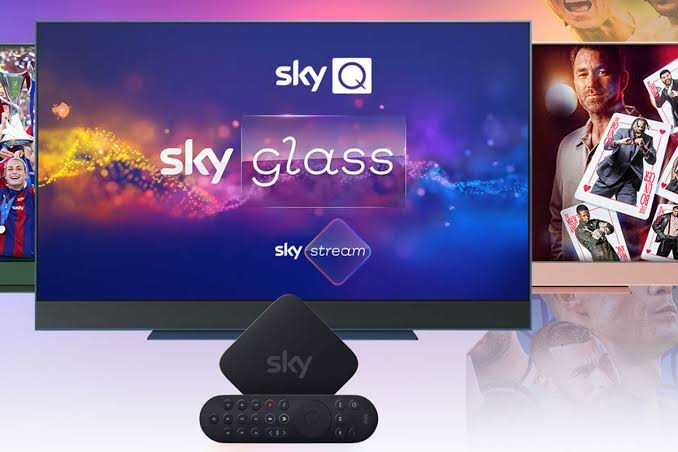
Conclusion
The Sky Glass app provides a convenient way for customers to connect their smartphones and tablets with the Sky entertainment experience. However, understanding the difference between Sky Remote and Sky Go is important when choosing the right application. Sky Remote allows users to control compatible Sky Glass and Sky Stream televisions through their mobile devices, while Sky Go provides access to supported television entertainment on compatible smartphones and tablets.
Features such as digital remote controls, playback navigation, accessibility options, Full HD streaming, saved content, and connected viewing make these applications useful for everyday entertainment. They give customers more flexibility and reduce their dependence on a single television screen.
For the best experience, customers should download official applications, check device compatibility, maintain a reliable internet connection, and install software updates when available.